01 . Daily Operations
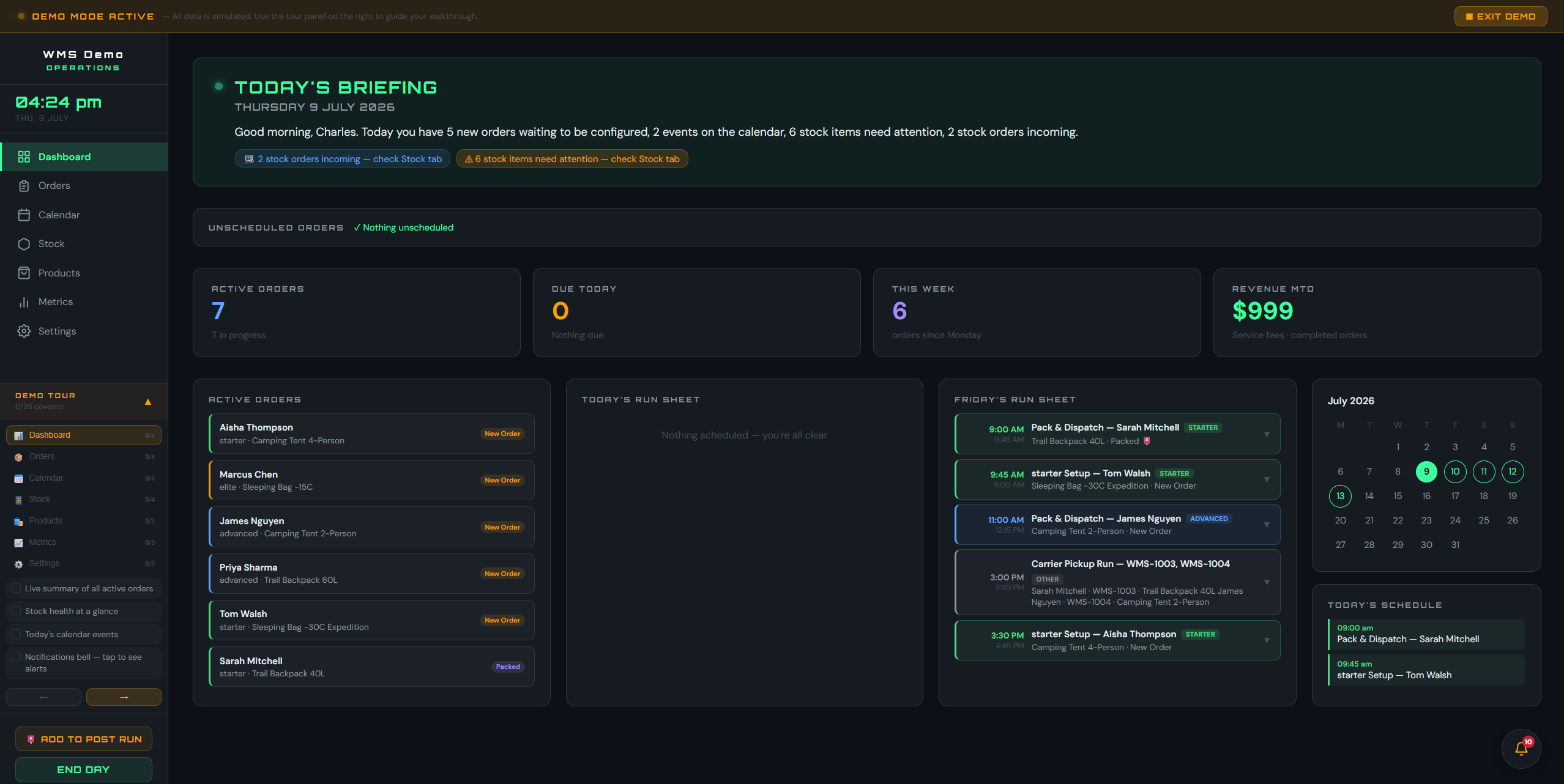
Everything that needs attention, before anyone goes looking for it.
Five counters across the top are the morning in one line: orders blocked waiting on stock, orders nobody has been given, orders sitting with a picker, orders being picked right now, and orders picked and ready to ship. Under them, three panels. Bay capacity gives you one number for the whole building, how many locations are in use and how many are free, then breaks it down aisle by aisle so you can see which run is filling up before it does. Needs actioning is everything waiting on a decision, written as a sentence, and every line carries the button that deals with it. The third is the last fortnight of orders in and out, so you can see at a glance whether today is keeping up.
- Each line names the problem and the fix: count a bay that has been put on hold, assign an overdue order, put away what is on the dock, ship what is staged
- An aisle turns amber as it runs out of room and red when there is nowhere left to put a pallet, so you are warned before a putaway has nowhere to go
- Unassigned work is called out by name, so nothing sits in a queue nobody owns
- Every figure is read from the same data as the screen that fixes it, and a figure that could not be read says so rather than showing you a nought
02 . Warehouse Map
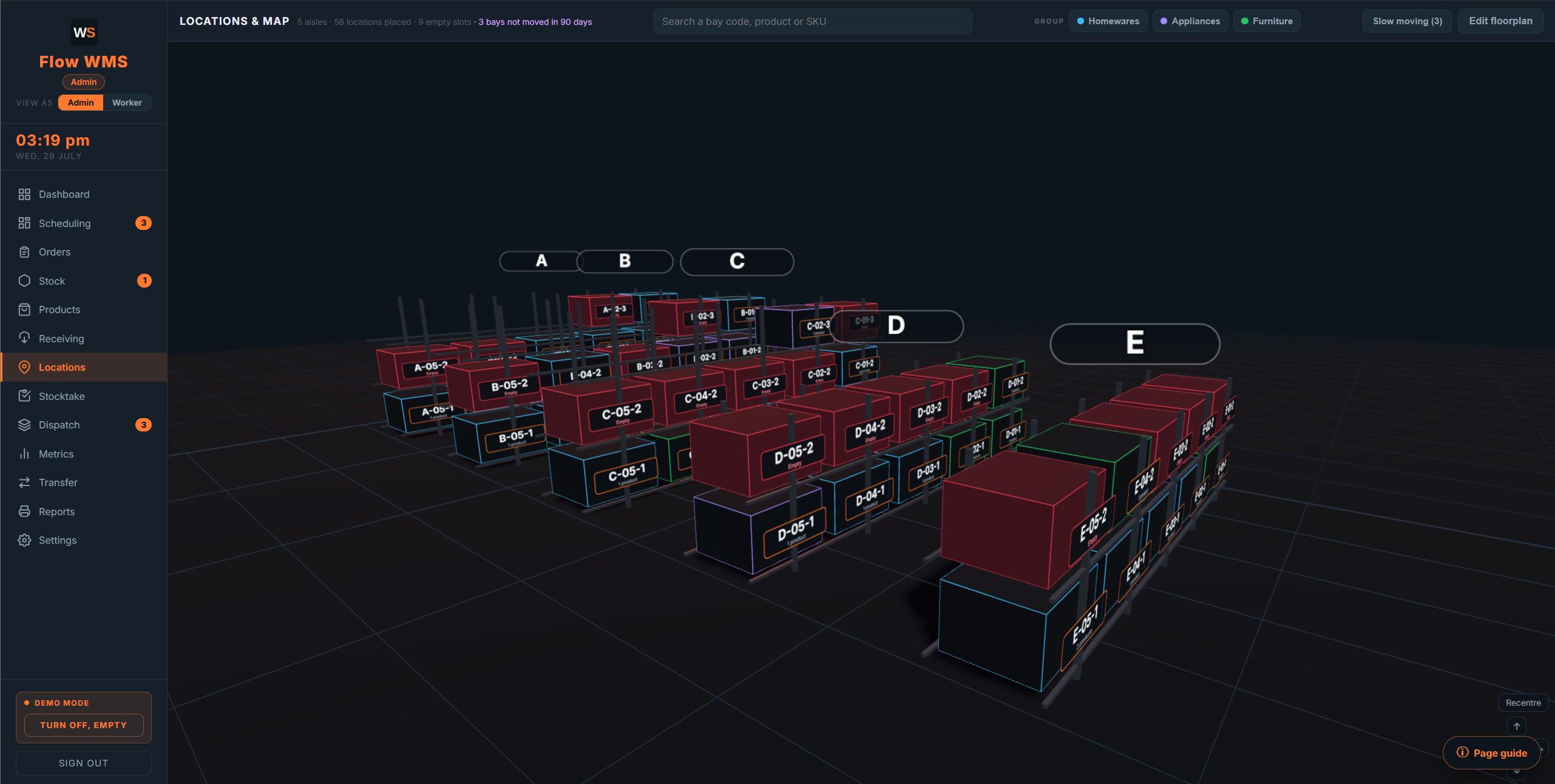
Your actual racking, in 3D, down to the shelf.
Your whole floor in one picture, aisle by aisle, bay by bay, level by level, built from your own plan rather than a generic grid. At a glance you can see which runs are working, which are nearly empty and where there is room to put a pallet down. A location code reads left to right the way somebody walking the floor would say it: which aisle, how far along it, how high up, and which bin if the bay is subdivided. Tap any bay and you get everything standing in it, because a bay can hold several different products at once, each with its own quantity, its batch if it is tracked, and when it last moved.
- A bay takes the colour of the stock group sitting in it, and an empty bay reads red, so free space is obvious from across the room
- Pallet racking, shelving and whole floor pallet positions all stand on the same map, because that is what a real building has in it
- Bin bays are drawn bin by bin, sixteen to a bay position, so a small-parts pick face reads the same on screen as it does on the floor
- On a floor with hundreds of locations you do not have to fly the camera anywhere: a strip along the bottom takes you straight to any aisle, then any column, then any bay or bin, one press each
- Bays that have not moved in 90 days are flagged, which is where dead stock hides
- The same map is what the picker sees, with their bay lit up
03 . Picking
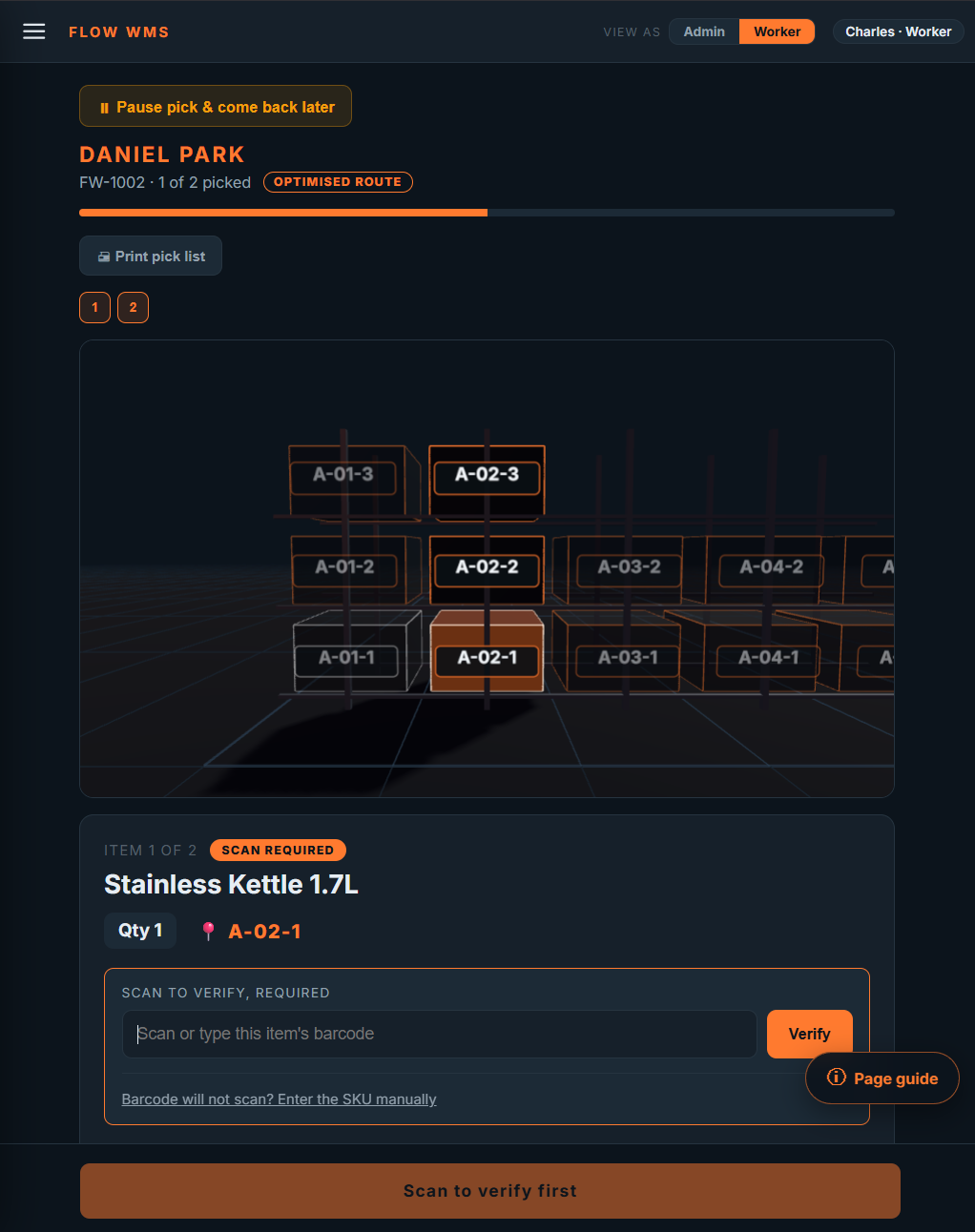
The picker is told where to go, and the app checks they picked the right thing.
Lines are sorted into a walking route down the aisles rather than the order they were typed onto the order, and the bay for the current line lights up on the map above it. Where a barcode is on file for a product, the scan is required before the line can be ticked.
- An optimised route, so a picker is not sent back down an aisle they already walked
- Scan to verify, with manual SKU entry when a label is damaged
- A pick can be paused and picked back up later, on a different device
04 . Stock Control
Stock that is genuinely reserved against orders, not just counted.
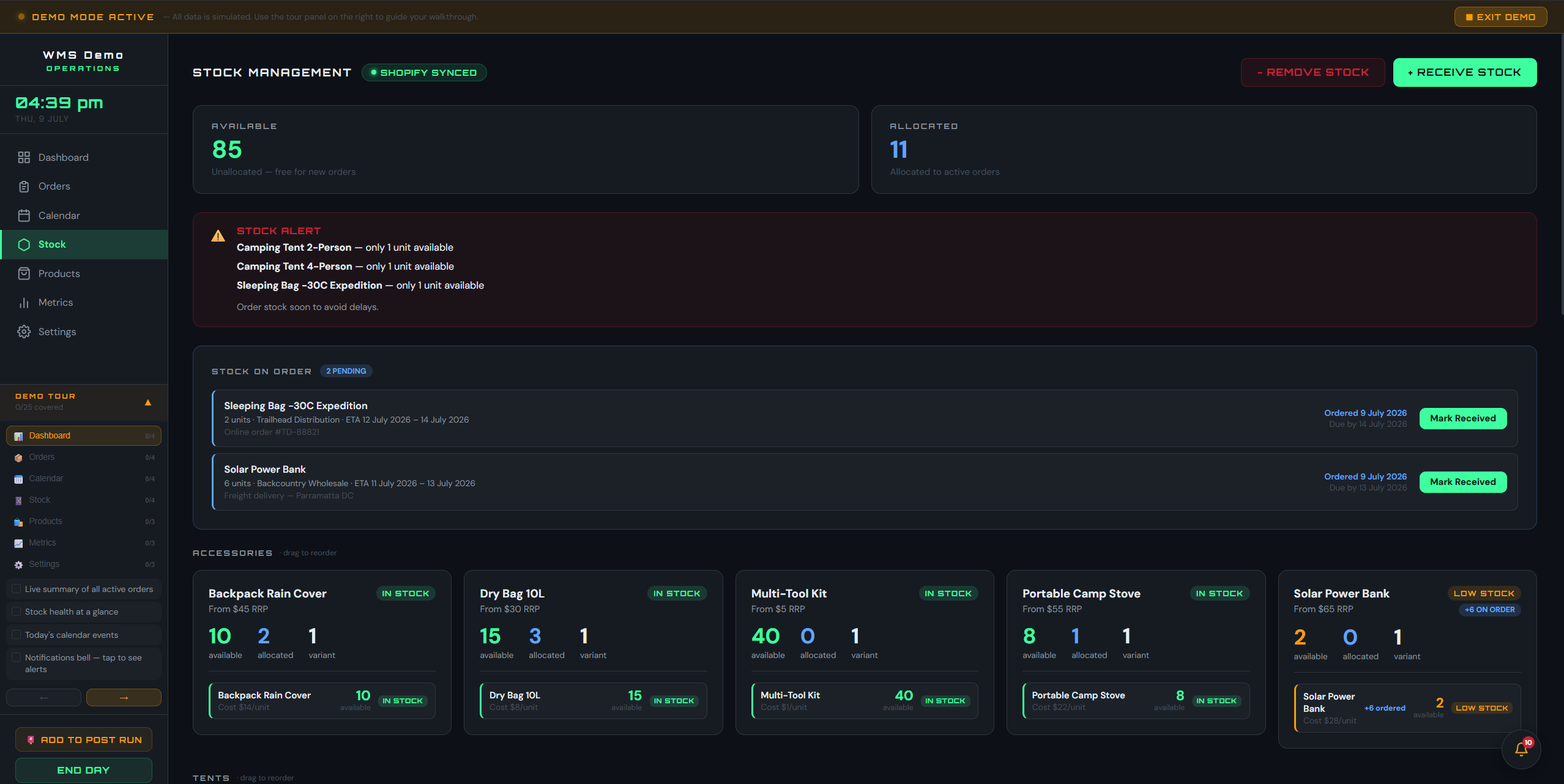
Available and allocated are separated, so what is committed to open orders is never counted as free to sell. Shortfalls are worked out for you: the app names the order that is short, the product, and by how many, before it becomes a dispatch problem.
- Available, allocated and on-hand per SKU, with your own low-stock threshold
- Stock booked in but not yet put away is shown against the product as on the dock, so nobody promises a customer something still sitting on a pallet by the roller door
- Filter the catalogue to one stock group when you only want to look at one part of the range, while the shortfalls and the out of stock list keep covering the whole warehouse
- An order that cannot be filled is held rather than half picked
- Receiving the missing stock releases the held order automatically
05 . Order Workflow
A defined lifecycle, and a record of who did what.
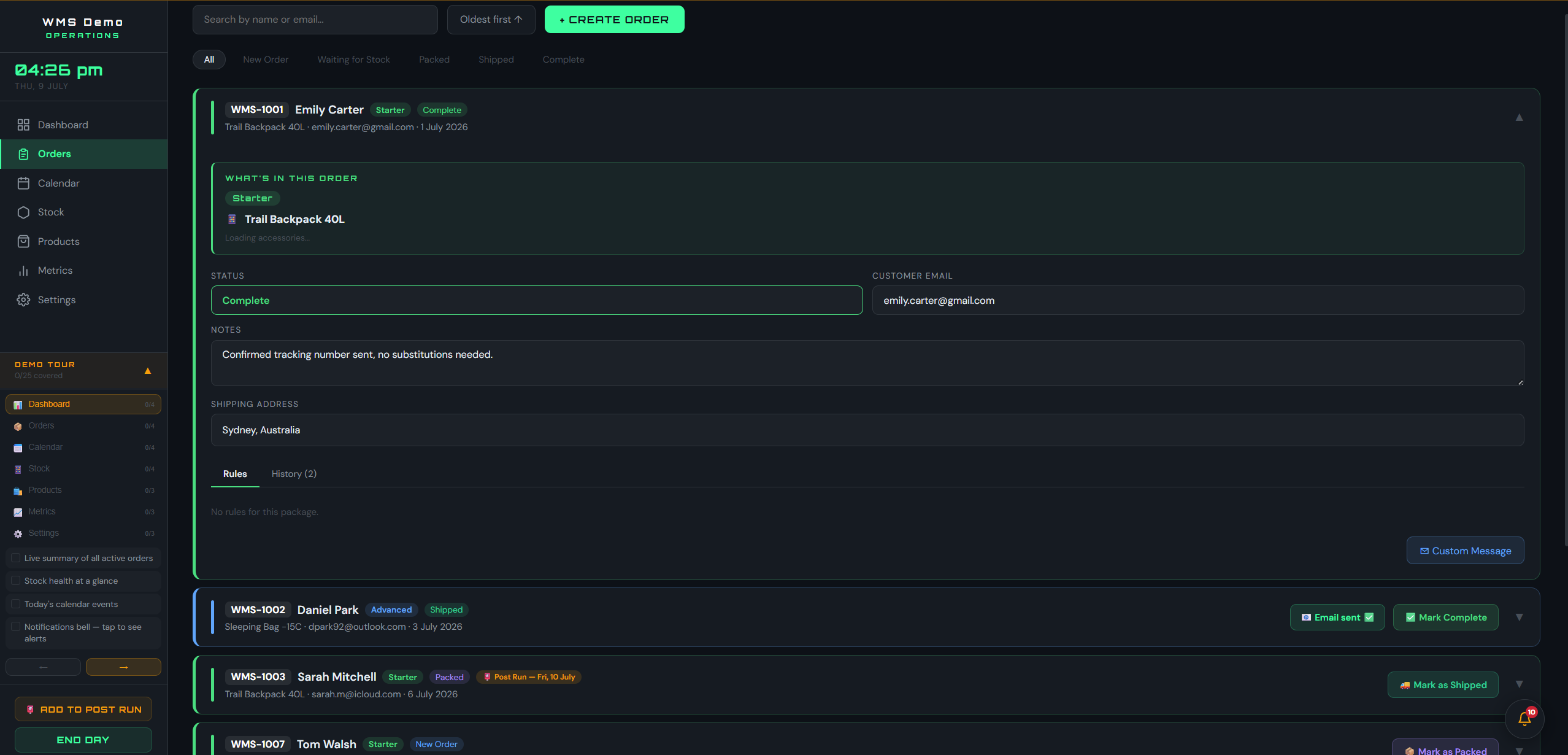
Every order moves through New Order, Waiting for Stock, Picked, Shipped and Complete, and the app only offers the next valid step. Each order keeps its own timeline: who it was assigned to, when picking started, which bay each line came off, when it was staged, shipped and completed.
- Status-gated actions at every stage, so an order cannot skip a step
- A full timeline per order with names and times, which is what an audit asks for
- The date an order actually shipped is stamped on it, so what the dispatch reports count is the day it left the building rather than the last time anybody touched the record
- Customer details, tracking number and notes live on the order itself
06 . Reporting
Print any part of the warehouse on A4, without touching a spreadsheet.
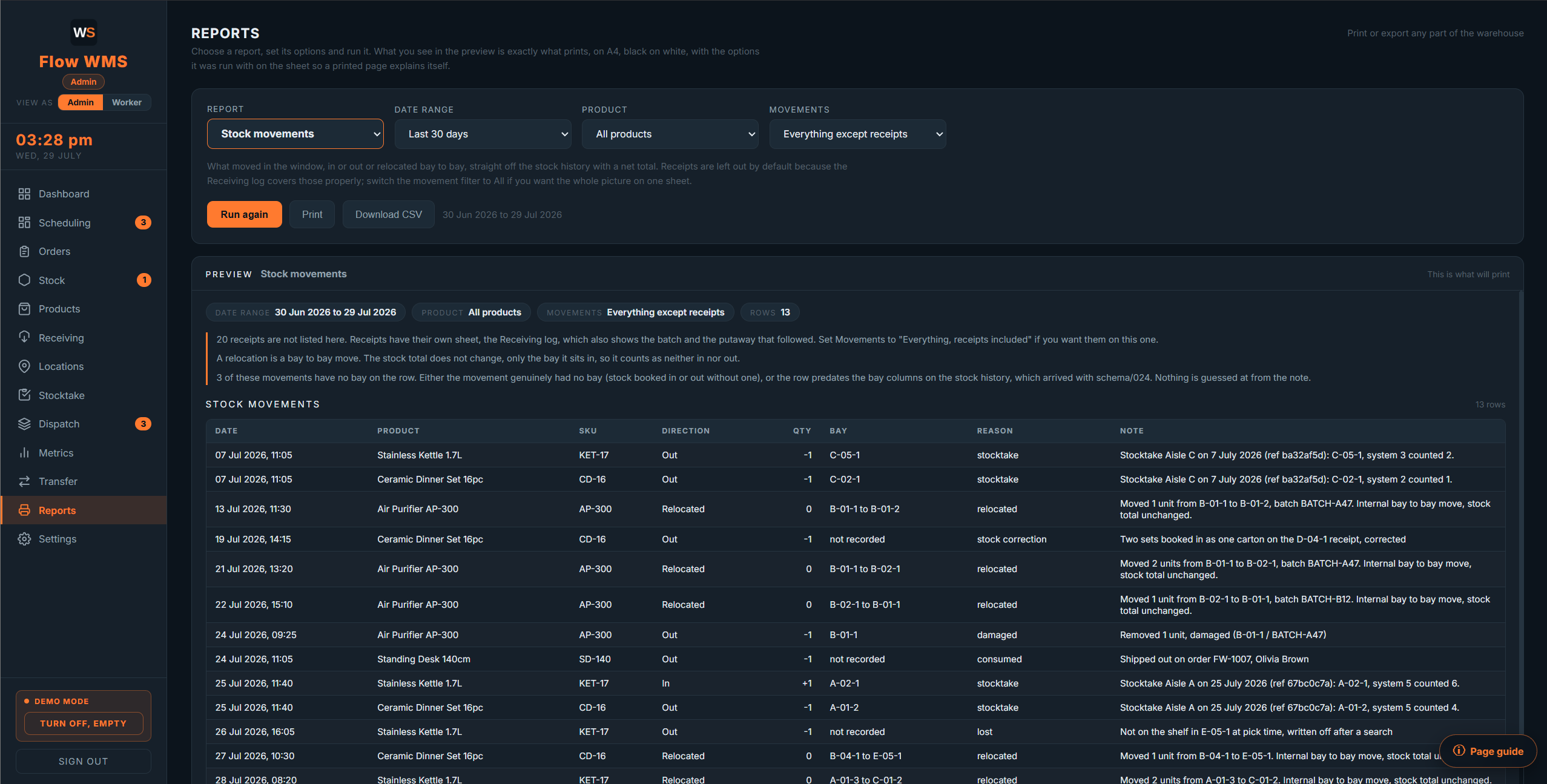
Ten reports covering stock on hand, stock movements, orders, picking activity by worker, putaway activity by worker, the receiving log, bay occupancy, slow-moving stock, past stocktake results and batch traceability. Choose one, set the date range and the filters, and the preview on screen is exactly what comes out of the printer.
- What you see in the preview is what prints, with the filters printed on the sheet
- Proper documents: repeating table headers, page numbers, nothing split across a page
- Any report also downloads as a CSV, for the times somebody wants it in a spreadsheet or sent to the accountant
- Pick lists print for the floor, with big bay codes in walking order and a tick box per line